How Do I Use a VPN in Windows, MacBook, Android, and iPhone?
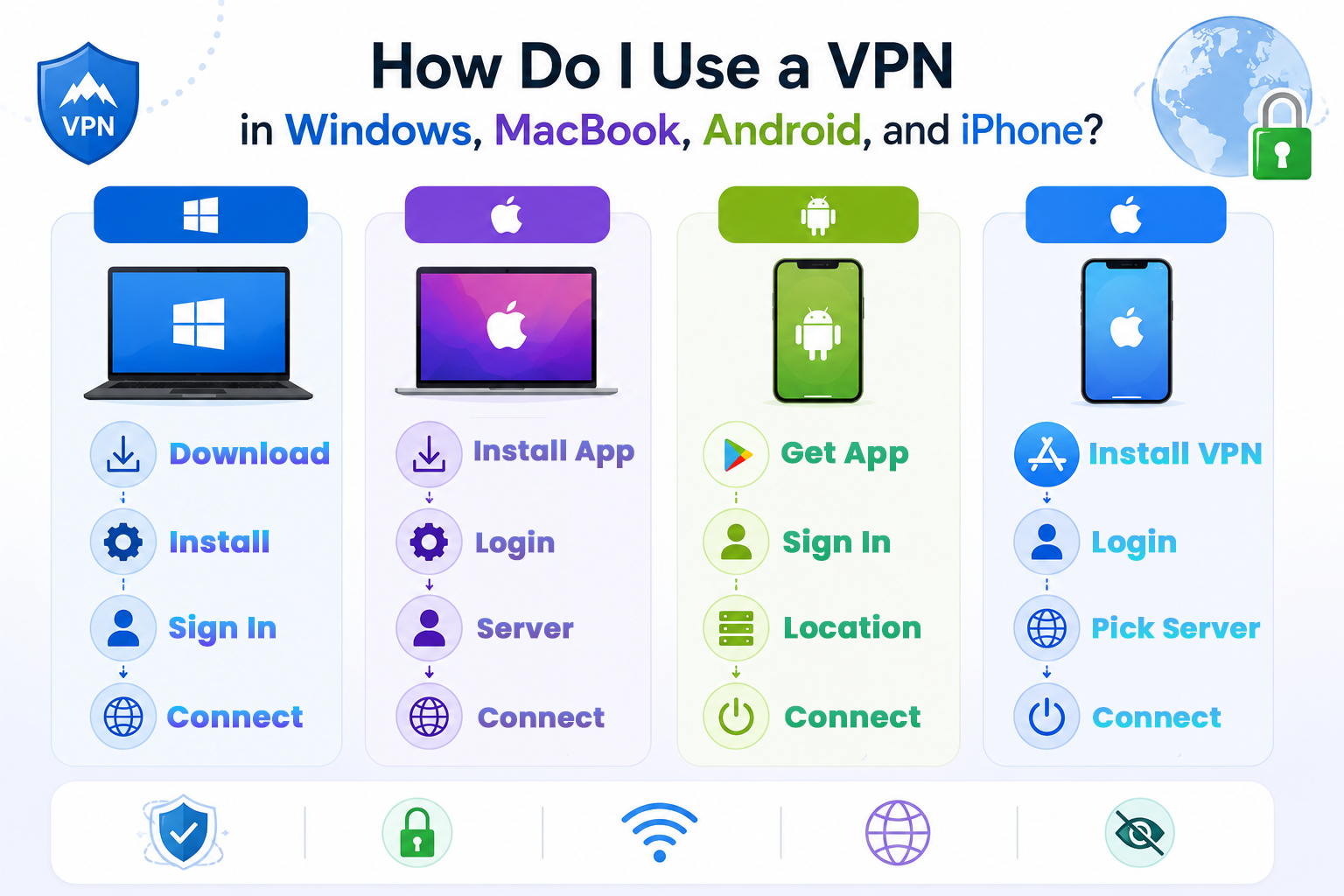
Many beginners ask, “How do I use a VPN on my phone?” During typical internet browsing, websites can identify you by your IP address and geographic location. A VPN prevents websites from accessing your real IP address and instead shows the VPN's IP address. For instance, if you travel often, you may wonder, How do I use a VPN safely on public Wi-Fi? If you are in India and connected to a VPN server in Singapore, websites will believe you are browsing from Singapore. Data is even more protected by a VPN because your information is sent in an encoded format. Therefore, VPNs are even more useful in public Wi-Fis, because they help attackers to read your data. The combination of features gives VPNs a considerable browsing advantage and accessibility to websites, and for these reasons, VPNs are becoming more and more popular.
What are VPNs?
Many of us think that sometimes, How do I use a VPN? VPNs are a way to secure your connections to the internet through an application or subscription service. VPNs can be used for many things because they secure your internet traffic.
Use Public Wi-Fi Without Worry.
The internet is a little more private.
Bypass Blocked Sites
Less Likely to Lose Information
Secure Your Work Whether You’re in the Office or Working Remote
How to Get a VPN in India
It’s fairly simple to get and use a VPN in India. All it takes is a good VPN application.
Choose a trusted VPN provider.
Visit the official VPN website or app store.
Download the VPN app on your device.
Install and open the VPN application.
Create an account and log in.
Select your preferred country server.
How Do I Use a VPN on Android?
Before installing the app, people usually ask How do I use a VPN on Android devices. It is an easy process to use a VPN on Android. Follow these steps:
Install a VPN app from the Google Play Store
Open the app and sign in to your account.
Click the “Connect” button to start the VPN service.
Then the app’s VPN service is connected to you. A VPN will be shown on the app bar at the top of your screen. Changing server locations is permitted.
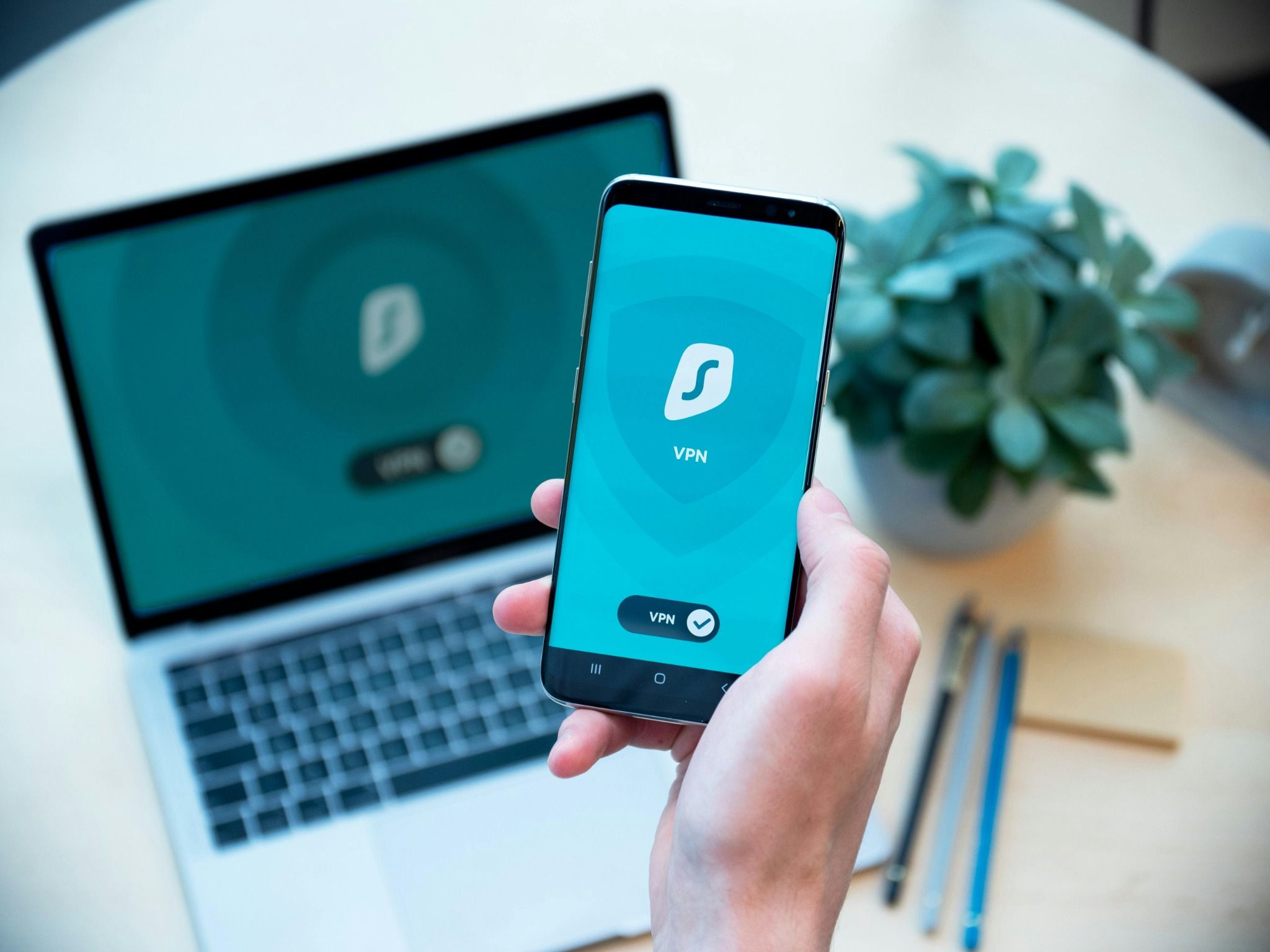
How Do I Use a VPN on an iPhone?
iPhone users also want to know How do I use a VPN in simple steps. It functions similarly on an iPhone. Here is how to use a VPN on an iPhone.
Install the VPN app from the App Store on your iPhone.
Open the app and complete the sign-in process.
Provide the VPN permissions if your iPhone asks for approval
Press the “Connect” button to activate the VPN connection.
You can switch between different server locations anytime.
How Do I Use a VPN on a Laptop?
Office workers often search for " How do I use a VPN on a laptop” for secure work. A VPN can also be used for secure browsing and workplace tasks on a Windows laptop.
Here’s How You Use A VPN on a Windows Laptop
Download the VPN software from the official website.
Install the VPN application on your laptop.
Open the software and log in to your account.
Pick a server location from the list.
Press the “Connect” button to start using the VPN.
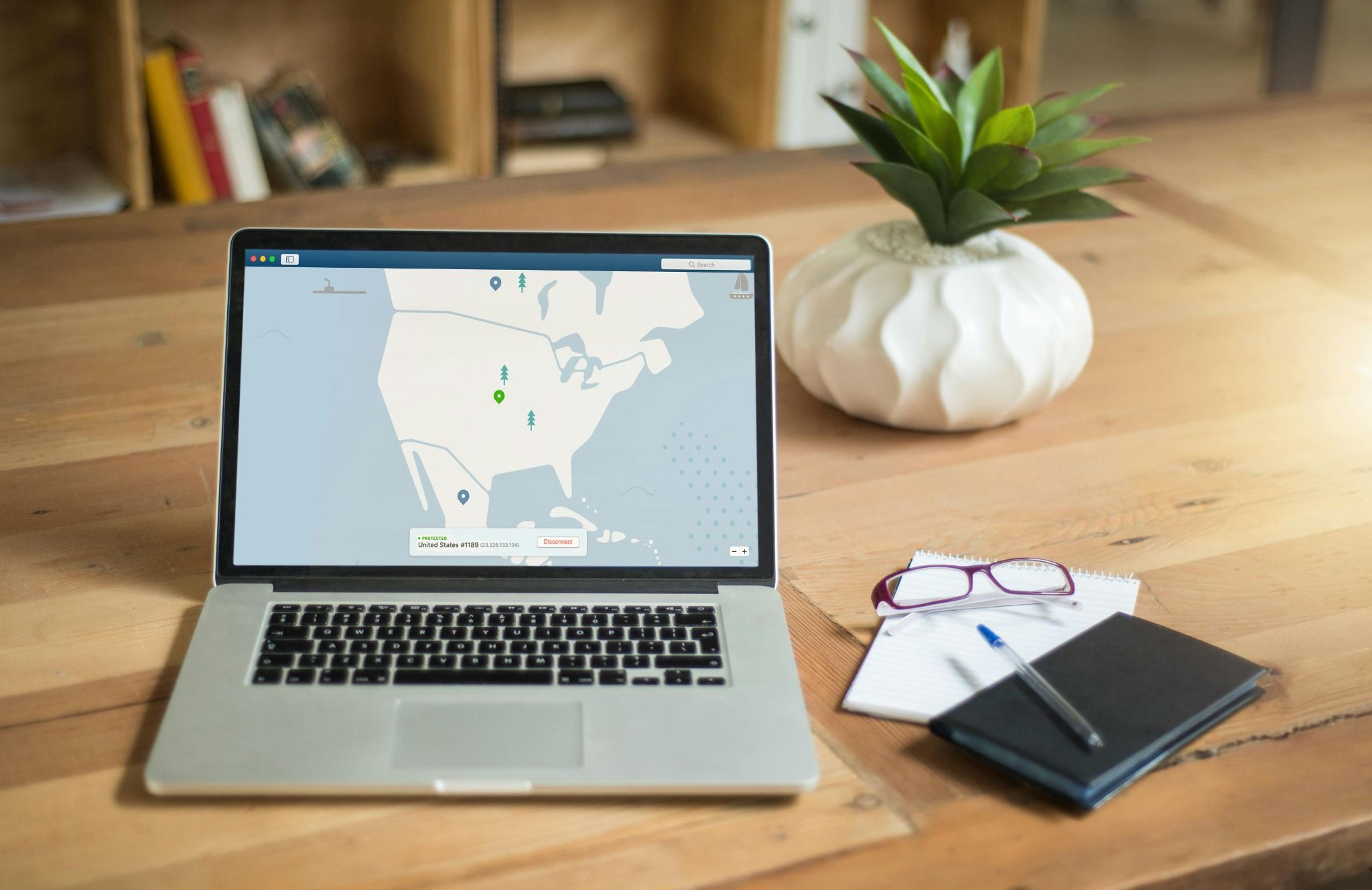
How Do I Use a VPN on a MacBook?
MacBook users may be confused about “how do I use a VPN” for the very first time. VPNs are just as easy to use on a MacBook. Here are the Steps for a MacBook:
Download the VPN app on your MacBook from the Official Website or App Store.
Install the app and sign in to your account.
Pick a server location.
Press the “Connect” button to activate the VPN service.
Is VPN Legal in India?
It is legal in India to use a VPN for secure browsing. With the right VPN, browsing the web can be a lot safer and more private. More and more individuals/bodies continue to use VPNs to be more secure and private when they use the web. Just because someone does an illegal act while using a VPN does not make that act legal.
Conclusion
While setting up the app, many users ask, “How do I use a VPN correctly?” Over the years, it has become extremely easy to learn how to use a VPN. Depending on the device you use, be it a phone or a computer, the process to set it up is very fast. No VPN is better than the other; the most trusted and popular apps are the best to start using. Remember, a VPN has the ability to enhance the level of privacy someone browsing the web can have, along with the security. The Internet also becomes a lot safer and more private with the right VPN.
If you want to learn more about technology, online safety, and digital skills in simple language, you can explore learning resources from SkillSnap Learning and improve your knowledge step by step.